Welcome to Sam Tech system Blog for System check help
SYSTEM CHECK FOR EMDAT PLATFORM: step by step explanation below for your reference
Step-1 - Please download script from below Link.
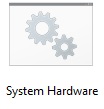
Step 2- After Downloading the file, open downloaded folder in your system (script).
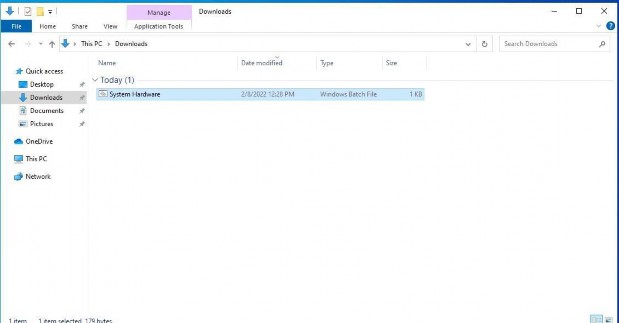
Step-3 Right Click on script then left click or double click on script.
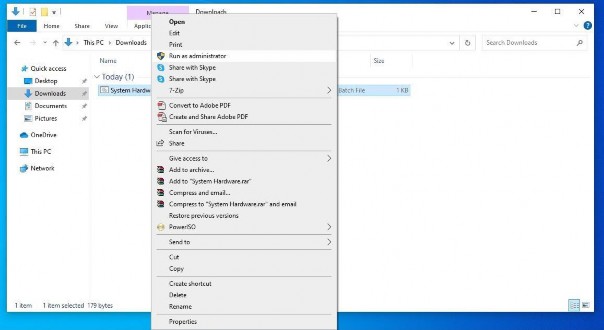
Step-4
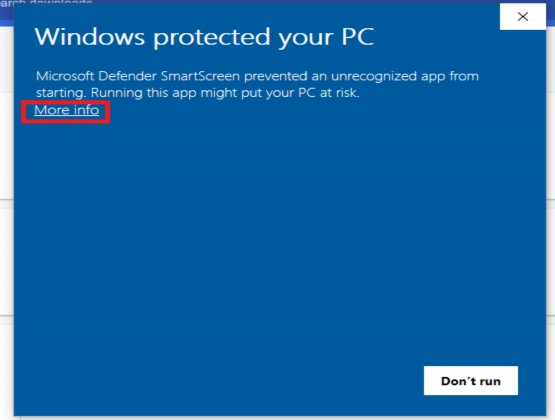
Step-5
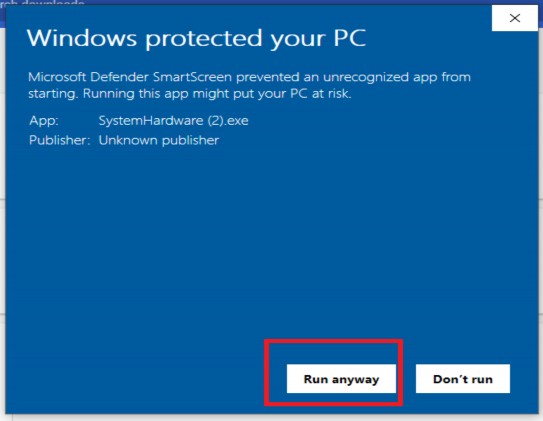
Step-6
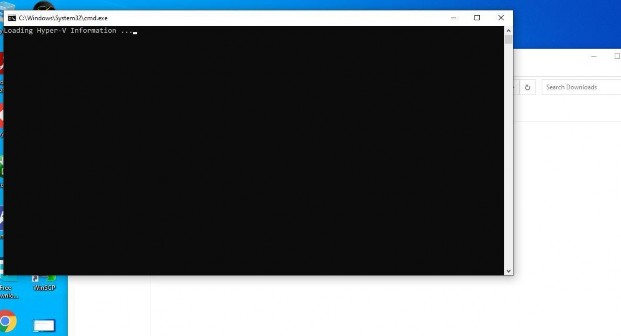
Note: Step 4 and Step 5, May be not come in your PC.
Step 7- System hardware details has been saved as SystemHardware images on your desktop
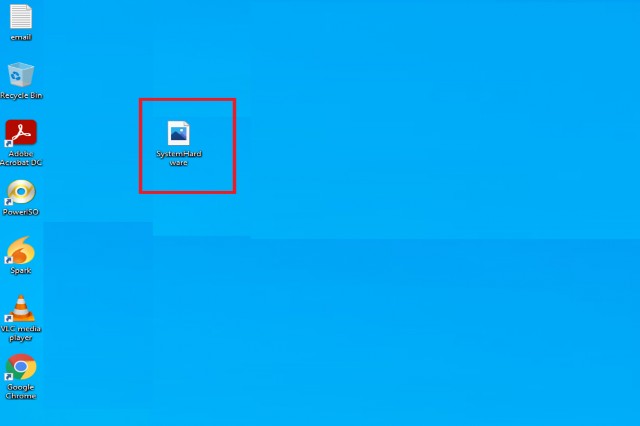
Now email this notepad file to Sam Tech Datasys : on the same email where you had received this link
( reply to all HR & TECH in cc )